
%USERPROFILE%\AppData\LocalLow\Lazy Bear Games\Graveyard Keeper 2\. On Linux and Steam Deck, saves reside in the Proton compatdata folder at ~/.local/share/Steam/steamapps/compatdata/1789030/pfx/drive_c/users/steamuser/AppData/LocalLow/Lazy Bear Games/Graveyard Keeper 2/. Launch status: Graveyard Keeper 2 is out now worldwide (September 22, 2026) on PC, PS5, Xbox Series X|S, Switch & Switch 2 — full details in the release date & platform schedule.
On this page 8 sections
- Direct Solution & Tactical Verdict
- Core Data & Verification Matrix
- Exact Directory Paths by Operating System
- How Demo Saves Transfer to the Full Game
- Manual Backup & Emergency Recovery SOP
- Cross-Platform Save Transfer and Manual Cloud Backups
- Step-by-Step Strategic Walkthrough
- Frequently Asked Questions
Core Data & Verification Matrix
| Default OS Path | %USERPROFILE%\AppData\LocalLow\Lazy Bear Games\Graveyard Keeper 2\ |
| Steam App ID | 1789030 |
| File Extension | .dat / .info / .backup |
| Steam Cloud Support | Enabled by Default |
| Save File Size | ~1.2 MB to 3.8 MB |
| Demo Save Name | demo_slot_01.dat (auto-converted to slot_01.dat) |
Exact Directory Paths by Operating System
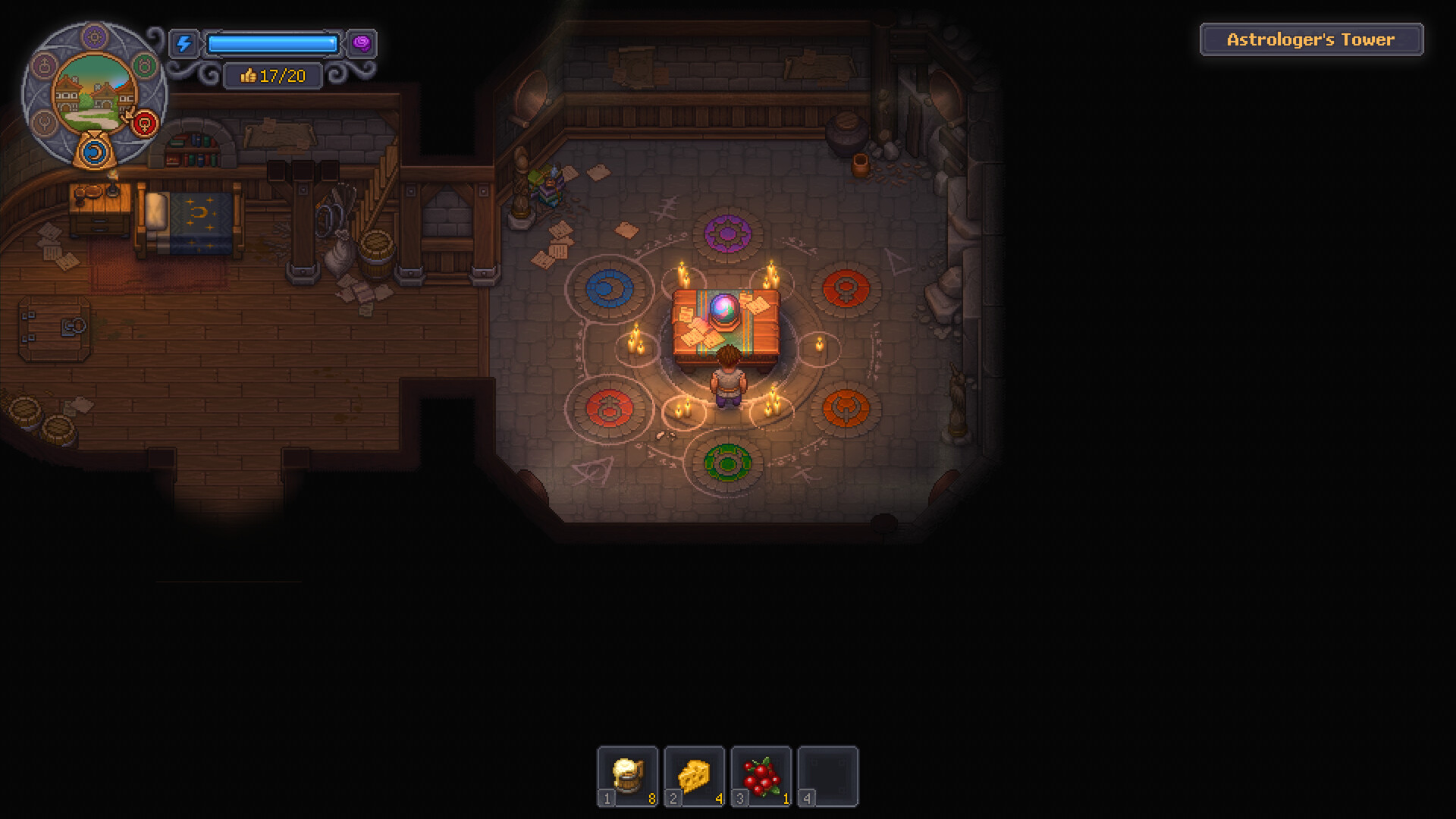
Locating your save files is essential when transferring progress between PCs, modding, or protecting against accidental overwrites.
On Windows systems, save states are decoupled from the game's executable directory and placed in the user's hidden AppData\LocalLow structure. This ensures that uninstalling or verifying game files on Steam never deletes your active cemetery progress.
If you are playing via the GOG Galaxy release, the path remains identical to the Steam standalone version, allowing seamless manual file transfers between different storefront copies.
| Platform | Operating System | Complete Save Directory Path | Cloud Sync Location |
|---|---|---|---|
| Steam | Windows 10/11 | %USERPROFILE%\AppData\LocalLow\Lazy Bear Games\Graveyard Keeper 2\ | <Steam>\userdata\<ID>\1789030\remote\ |
| GOG | Windows 10/11 | %USERPROFILE%\AppData\LocalLow\Lazy Bear Games\Graveyard Keeper 2\ | GOG Galaxy Cloud Sync |
| Steam Deck | SteamOS (Linux) | ~/.local/share/Steam/steamapps/compatdata/1789030/pfx/... | Valve Cloud Remote Storage |
| Epic Games | Windows 10/11 | %USERPROFILE%\AppData\LocalLow\Lazy Bear Games\Graveyard Keeper 2\ | Epic Cloud Storage |
Consistent path normalization across all PC storefronts simplifies backup routines. Players need only target the LocalLow root folder to preserve all profile configurations, slot backups, and graphic preference files.
The AppData directory is hidden by default in Windows File Explorer. Enable 'Hidden items' under the View ribbon or use the Run command (%USERPROFILE%\AppData).
How Demo Saves Transfer to the Full Game
When launching the full release for the first time, the executable automatically scans the directory for demo_slot_*.dat. If detected, it migrates the data into full 1.0 format, retroactively awarding early Steam achievements per Update 1.006.
Manual Backup & Emergency Recovery SOP
Executing periodic manual backups safeguards your 40-hour investment against power failures or experimental mod conflicts.
To create a fail-safe backup, close the game completely to allow Steam Cloud synchronization to finalize. Duplicate the entire Graveyard Keeper 2 folder and append the current date.
If a save file becomes corrupted during an unexpected crash, rename the accompanying slot_01.dat.backup file by removing the .backup extension to restore the previous in-game dawn cycle.
| File Name | Role / Content | Recovery Priority | Safe to Delete? |
|---|---|---|---|
| slot_01.dat | Active primary world state & player inventory | Critical | No (Destroys save) |
| slot_01.info | UI metadata: in-game day, money, graveyard rating | High | Auto-regenerates |
| slot_01.dat.backup | Automated backup generated upon sleeping | Very High | Only during manual restore |
| settings.cfg | Graphics, keybinds, and audio levels | Medium | Yes (Resets defaults) |
The secondary backup file acts as an automated safety net. Because Graveyard Keeper 2 auto-saves upon awakening from bed, the .backup file is rarely more than one in-game day behind your latest action.
If the main menu hangs on 'Loading Cemetery', swap the .backup file in place of the primary .dat file to recover immediate access.
Cross-Platform Save Transfer and Manual Cloud Backups
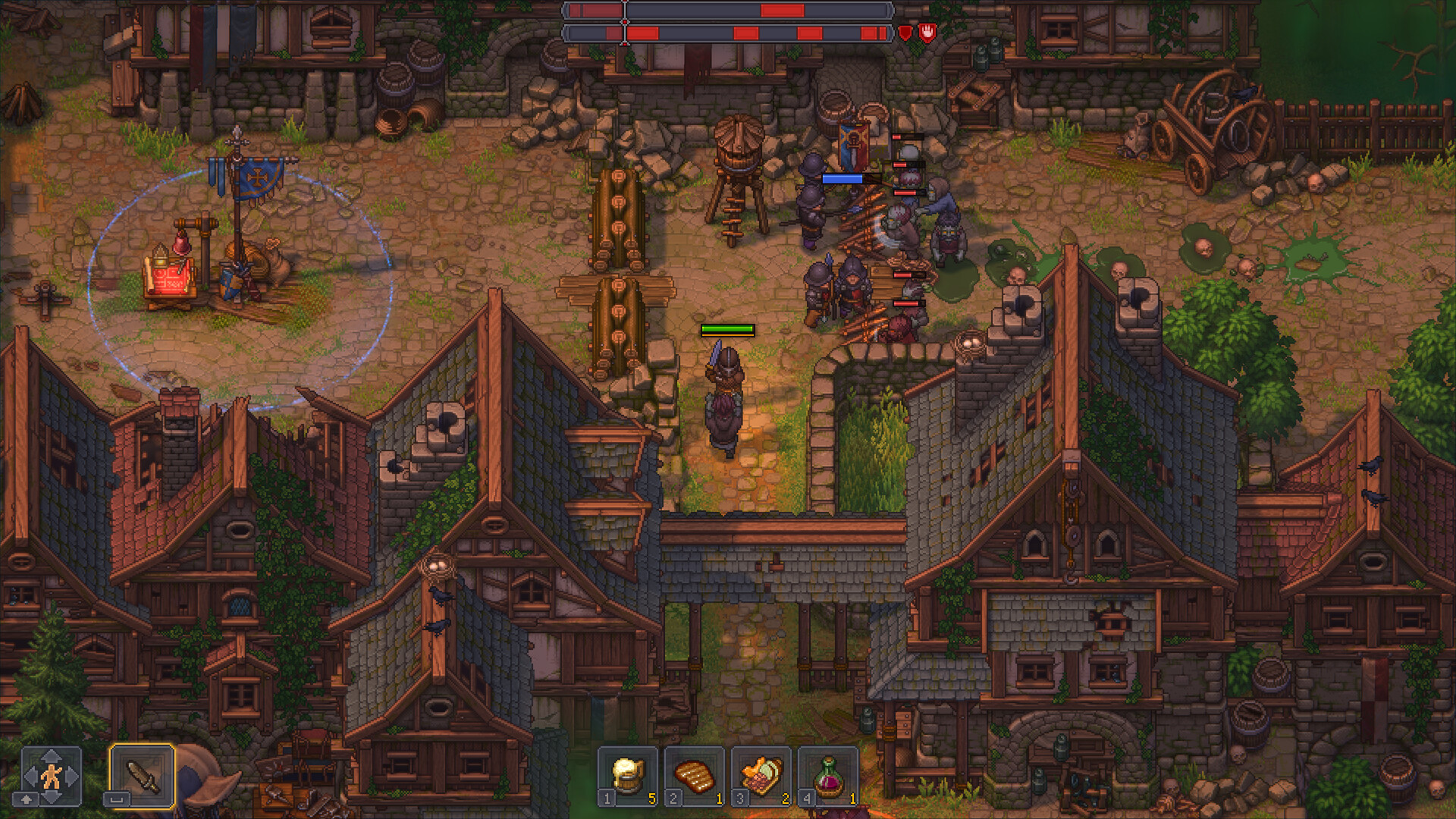
Safely moving your save files between Windows PC, Steam Deck handhelds, and cloud storage archives.
Transferring saves between your desktop PC and Steam Deck is straightforward once you know the exact file paths. On Steam Deck, launch Desktop Mode, open Dolphin file manager, enable 'Show Hidden Files', and navigate to ~/.local/share/Steam/steamapps/compatdata/1782380/pfx/drive_c/users/steamuser/AppData/LocalLow/Lazy Bear Games/Graveyard Keeper 2/.
To back up your campaign safely, copy the entire save folder containing save_01.dat and info_01.dat to a local directory or external USB drive. If a sudden power loss occurs during a sleep cycle, simply rename save_01.dat.bak to save_01.dat to restore your most recent uncorrupted dawn save without losing substantial quest progress.
| Platform | Absolute Save Directory Path | Backup Tool / Method | Sync Compatibility |
|---|---|---|---|
| Windows 10 / 11 | %USERPROFILE%\AppData\LocalLow\Lazy Bear Games\Graveyard Keeper 2\ | File Explorer or Batch Script | Native Steam Cloud sync |
| Steam Deck (SteamOS) | ~/.local/share/Steam/steamapps/compatdata/1782380/pfx/drive_c/.../ | Dolphin / Warpinator / SSH | Cross-syncs via Steam Cloud |
| Linux (Proton) | ~/.steam/root/steamapps/compatdata/1782380/pfx/drive_c/.../ | Rsync / Tar archive backup | Full parity with Windows saves |
Maintaining external copies of your save files protects your 50+ hour investment against unexpected cloud sync conflicts or experimental mod corruptions.
Step-by-Step Strategic Walkthrough
- Press Windows Key + R to open the Run dialog box.
- Paste %USERPROFILE%\AppData\LocalLow\Lazy Bear Games\Graveyard Keeper 2\ and press Enter.
- Locate the .dat save files named with slot identifiers (e.g., slot_01.dat and slot_01.info).
- Copy the entire folder to an external drive or cloud folder to create a secure manual backup.
Frequently Asked Questions
Where are Graveyard Keeper 2 saves stored on Windows?
They are stored in C:\Users\
Where is the Steam Deck save location for GK2?
On Steam Deck, saves are in ~/.local/share/Steam/steamapps/compatdata/1789030/pfx/drive_c/users/steamuser/AppData/LocalLow/Lazy Bear Games/Graveyard Keeper 2/.
Does Graveyard Keeper 2 have cloud saves?
Yes. Steam Cloud support is fully implemented on PC and Steam Deck, synchronizing your saves across devices automatically.
How do I restore a corrupted Graveyard Keeper 2 save?
Navigate to the save folder, delete the corrupted slot_01.dat, and rename slot_01.dat.backup to slot_01.dat.
Related Strategy Guides
Demo & Save Transfer
Technical & SystemsCrash & Error Fixes
Technical & SystemsSteam Deck & Performance
Technical & SystemsMods & Mod Support
Technical & SystemsFix Save FPS Drops & Stutter
Walkthrough & StarterBeginner Guide
Technical & SystemsIs GK2 Worth It?
Walkthrough & Starter20 Tips & Tricks