
Launch status: Graveyard Keeper 2 is out now worldwide (September 22, 2026) on PC, PS5, Xbox Series X|S, Switch & Switch 2 — full details in the release date & platform schedule.
On this page 9 sections
- Direct Solution & Tactical Verdict
- Core Data & Verification Matrix
- Official Video Reference
- Top Quality-of-Life Mods for Graveyard Keeper 2
- Troubleshooting BepInEx Injections
- Official Steam Workshop & Modding Roadmap
- BepInEx 5 Installation Guide and Load Order Management
- Step-by-Step Strategic Walkthrough
- Frequently Asked Questions
Core Data & Verification Matrix
| Steam Workshop | Not Supported at Launch |
| Primary Mod Repository | Nexus Mods (Graveyard Keeper 2 Community) |
| Engine / Mod Framework | Unity 6 (IL2CPP) / BepInEx 6.x |
| Safe for Achievements | Yes (Most QoL mods do not disable Steam achievements) |
| Installation Complexity | Low (Drag and drop DLL files) |
| Multiplayer Mods | Experimental community prototypes only |
Official Video Reference
Verified gameplay showcase footage covering key mechanics and features discussed in this guide.
Top Quality-of-Life Mods for Graveyard Keeper 2
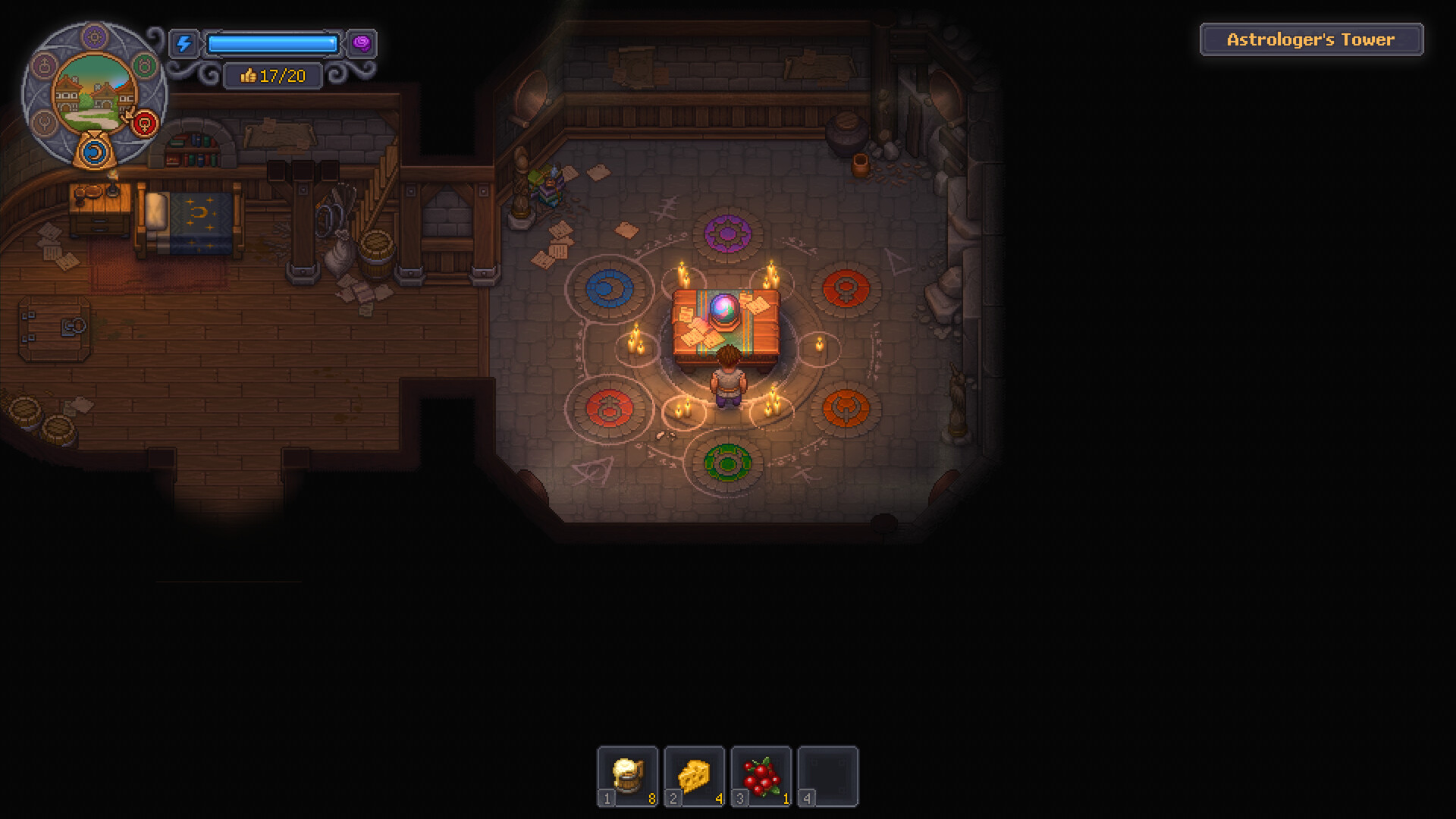
Community modifications focus heavily on reducing repetitive friction and enhancing convenience without compromising balance.
The Graveyard Keeper 2 mod scene lives on Nexus Mods and Thunderstore, with BepInEx 5 as the common loader and the optional GK2 Mod Framework for in-game settings menus.
Three actively maintained examples: Better Auto Crafting by Nizy, Shopping List and GK2 Codex by SaintArchI — each linked in the table below.
| Mod Name | Primary Feature | Creator / Source | Compatibility (v1.007) |
|---|---|---|---|
| Better Auto Crafting | Lets supported automatic crafters finish their whole crafting queue, with per-crafter speed multipliers from x0.1 to x500 | Nizy — Nexus Mods #26 | Full release (v1.007) |
| Shopping List | Ctrl+Right Click a recipe or quest to track still-needed ingredients in a small HUD panel with have/need counts | SaintArchI — Nexus Mods #45 | See Nexus page |
| GK2 Codex | In-game wiki on F4: items, buildings, zombies, alchemy, vendors and chests — shows only what your save has unlocked | SaintArchI — Nexus Mods #49 | See Nexus page |
These top four mods directly target inventory and traversal friction. In particular, crafting directly from nearby containers prevents excessive trunk reorganization across complex workyards.
Unlike certain Bethesda titles, running BepInEx DLL mods does not trigger an achievement lock in Graveyard Keeper 2.
Troubleshooting BepInEx Injections
If mods fail to load after an official Steam patch, ensure your BepInEx console is enabled in BepInEx/config/BepInEx.cfg by setting [Logging.Console] Enabled = true to diagnose missing hook errors.
Official Steam Workshop & Modding Roadmap
Developer Lazy Bear Games has addressed community requests regarding integrated workshop tools.
In post-launch community discussions, developer Lazy Bear Games stated that core development focus remains firmly on gameplay balance, performance hotfixes like Update 1.007, and controller optimizations.
Official Steam Workshop integration is being evaluated as part of future roadmaps, but manual installation via Nexus Mods remains the definitive method for the foreseeable future.
| Feature | Current Status (Launch) | Planned Timeline | Developer Stance |
|---|---|---|---|
| Steam Workshop | Not Implemented | Under Evaluation for 2027 | Post-launch priority |
| Native Mod API | None (Relies on BepInEx) | Unconfirmed | Community-supported |
| Custom Language Packs | Supported via CSV edit | Live Now | Official community repo |
While lack of native Workshop requires manual file management, the Unity IL2CPP architecture provides robust stability, with minimal crashes reported among major modding releases.
Official game updates like Update 1.007 may temporarily break older DLLs until authors recompile against the latest Assembly-CSharp binaries.
BepInEx 5 Installation Guide and Load Order Management
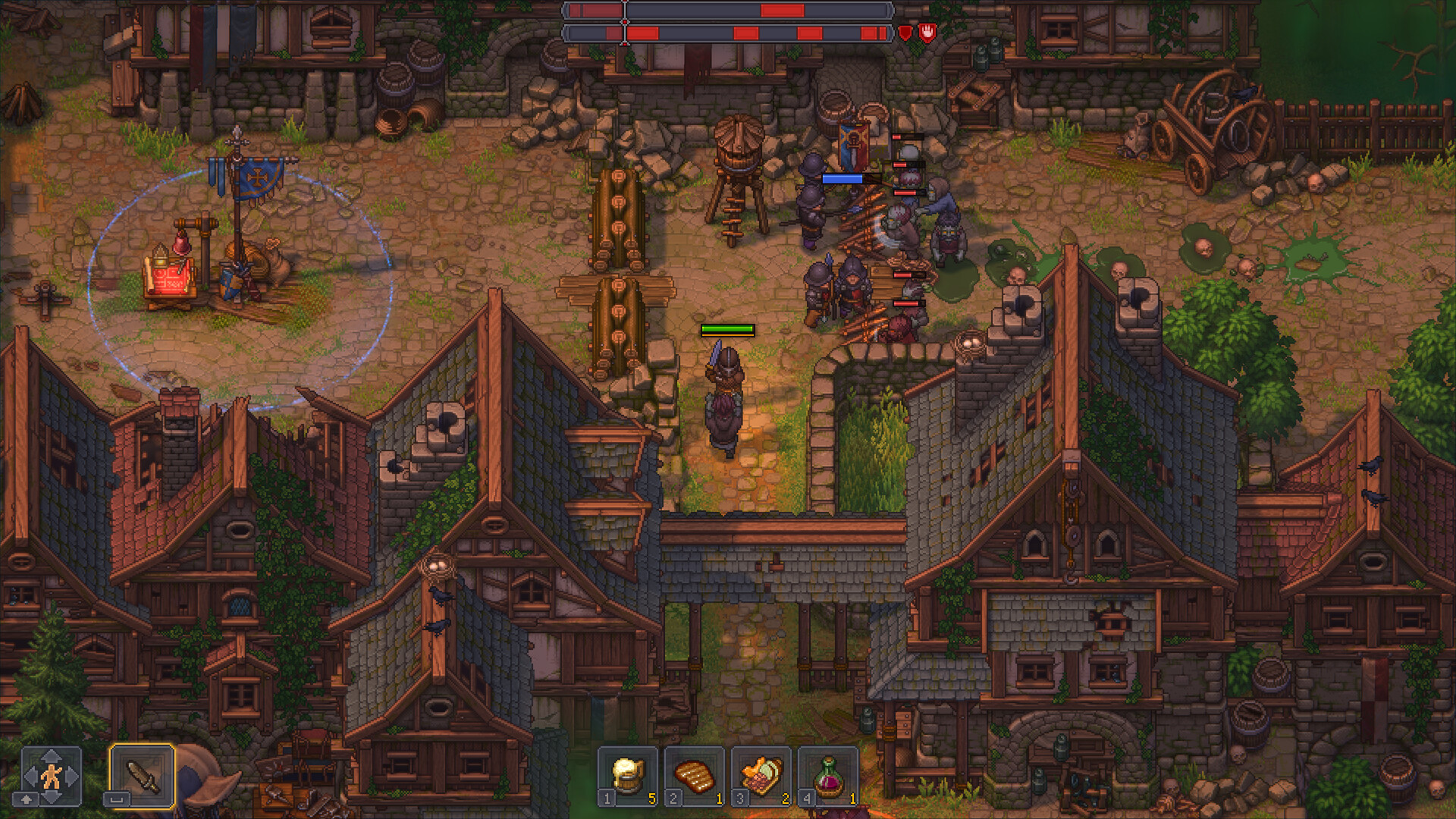
Step-by-step instructions for establishing a stable modding framework without breaking game logic.
To begin modding Graveyard Keeper 2, download the BepInEx 5 x64 framework from the official community releases page. Extract the archive contents directly into your root game directory: Steam\steamapps\common\Graveyard Keeper 2\. Once installed, launch the game once to allow BepInEx to generate its configuration folders.
Place downloaded .dll mod files directly into Steam\steamapps\common\Graveyard Keeper 2\BepInEx\plugins\. Always verify mod compatibility with Patch 1.007 before loading. If you experience launch crashes, delete the BepInEx\config\ folder to reset corrupted mod configuration files to their default parameters.
| Modding Component | Installation Target Directory | Purpose | Troubleshooting Action |
|---|---|---|---|
| BepInEx Core Runtime | Graveyard Keeper 2/ (Root Directory) | Injects custom C# assemblies at runtime | Verify winhttp.dll exists in root |
| Plugins Directory | BepInEx/plugins/ | Contains all active community .dll mods | Remove outdated mods one by one |
| Config Directory | BepInEx/config/ | Stores user-editable mod options (.cfg) | Delete to regenerate clean config files |
| Log File Output | BepInEx/LogOutput.log | Records runtime exceptions and errors | Inspect for missing dependency alerts |
Structuring your mod environment through BepInEx ensures seamless updates and prevents conflicting community scripts from damaging your primary save file.
Step-by-Step Strategic Walkthrough
- Download BepInEx Unity (IL2CPP) x64 from the official repository or Nexus Mods.
- Extract the BepInEx archive directly into your Graveyard Keeper 2 root folder alongside the main executable.
- Launch the game once to allow BepInEx to generate plugins and configuration directories, then exit.
- Download desired .dll mod files and drop them into the newly created BepInEx/plugins/ folder.
Frequently Asked Questions
Does Graveyard Keeper 2 support Steam Workshop?
No, Graveyard Keeper 2 does not have Steam Workshop support at launch. Mods are downloaded and installed manually from Nexus Mods.
How do I install mods for Graveyard Keeper 2?
Install BepInEx 6.0 into your game folder, launch the game once to create directories, and place mod .dll files into BepInEx/plugins/.
Do mods disable Steam achievements in GK2?
No, typical QoL mods installed via BepInEx do not disable Steam achievements.
Where can I find Graveyard Keeper 2 mods?
Nexus Mods hosts the primary community repository with mods for movement speed, stack sizes, and container crafting.
Related Strategy Guides
Save File Location
Technical & SystemsCrash & Error Fixes
Technical & SystemsSteam Deck & Performance
Walkthrough & StarterGK2 vs GK1
Technical & SystemsFix Save FPS Drops & Stutter
Walkthrough & Starter20 Tips & Tricks
Technical & SystemsIs GK2 Worth It?
Walkthrough & StarterBeginner Guide