
Launch status: Graveyard Keeper 2 is out now worldwide (September 22, 2026) on PC, PS5, Xbox Series X|S, Switch & Switch 2 — full details in the release date & platform schedule.
On this page 6 sections
Core Data & Verification Matrix
| Primary Root Cause | Synchronous cloud write lock + entity garbage collection leaks |
| Save File Directory | %USERPROFILE%\AppData\LocalLow\Lazy Bear Games\Graveyard Keeper 2\ |
| Critical Patch | Update 1.011 (Resolved long-playtime crash, ladder climb speed, & conveyor stutter) |
| Optimal Steam Deck Setting | Proton Experimental, 60 FPS cap, 7W-9W TDP |
| Max Recommended Active Zombies | 20 to 24 units across all four automated zones |
| Display API Mode | DirectX 11 / Exclusive Fullscreen (V-Sync On) |
Diagnosing Graveyard Keeper 2 Save Lag, Stuttering and Micro-Stutters
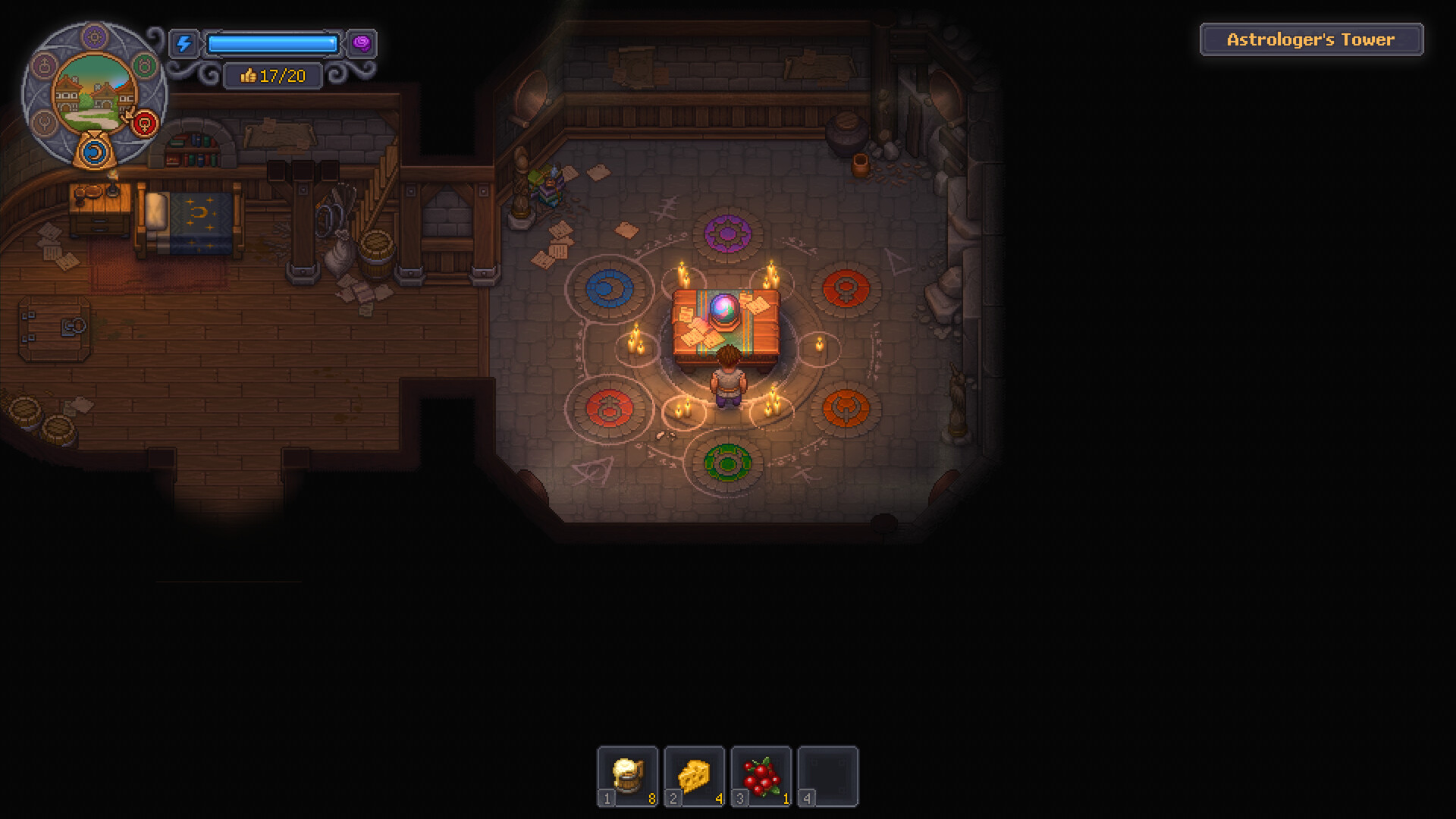
Understanding why Graveyard Keeper 2 stutters during sleep autosaves and mid-game area transitions. If frame drops occur everywhere (not just during saves), rule out insufficient hardware against the minimum system requirements first.
In Graveyard Keeper 2, resting in your bed triggers a synchronous world state serialization. During this 250ms to 2-second window, the game serializes every dropped item, zombie task state, crop growth cycle, and NPC schedule into a single binary .dat file. In long playthroughs (Day 60+), save files can grow significantly if loose items clutter the landscape.
Furthermore, Steam Cloud auto-sync attempts to push newly updated save files immediately to Valve servers. On slower broadband connections or during transient Wi-Fi drops, this synchronous cloud upload creates a perceptible 3 to 8 second screen freeze every dawn.
Another leading cause of micro-stuttering introduced by extensive automation is conveyor loop cycling. When conveyor belts form closed loops without a definitive output hopper or storage chest, items loop continuously. The physics engine evaluates collision and path routing every frame, triggering noticeable stutter spikes when Keepers walk between zones.
| Symptom | Root Cause | Hardware Impact | Immediate Remedy |
|---|---|---|---|
| 3-5 Second Dawn Freeze | Steam Cloud write conflict during bed sleep | All PC & Steam Deck configs | Disable Steam Cloud synchronization |
| Conveyor Loop Stutter | Infinite item cycling on closed conveyor lines | CPU physics thread hitching | Break conveyor loops into dedicated terminal chests |
| Gradual FPS Decline (60 -> 25) | Unity entity garbage collection memory leak | Low-VRAM & Handheld PCs | Restart client or update to 1.011 (resolved long playtime crash) |
| Micro-Stutter Walking Near Cellar | Excessive uncollected logistics items on floor | CPU physics bottleneck | Store loose items into wooden chests |
| Frame Pacing Drops on Deck | Proton DX11 shader compilation hitching | Steam Deck LCD & OLED | Switch to Proton Experimental runtime |
Identifying whether your FPS drop stems from disk I/O serialization, conveyor physics loops, or entity clutter ensures you apply the correct hardware or gameplay fix without unnecessary reinstallation.
Official Update 1.011 resolved a critical crash occurring during long play sessions, fixed extremely slow ladder climbing animation hitches, and added native widescreen (ultrawide) resolution support. Because Update 1.011 natively integrates BepInEx for in-game mod management, ensure legacy mods are checked for compatibility to prevent mod-induced stuttering.
Step-by-Step Optimization Fixes for PC and Handhelds
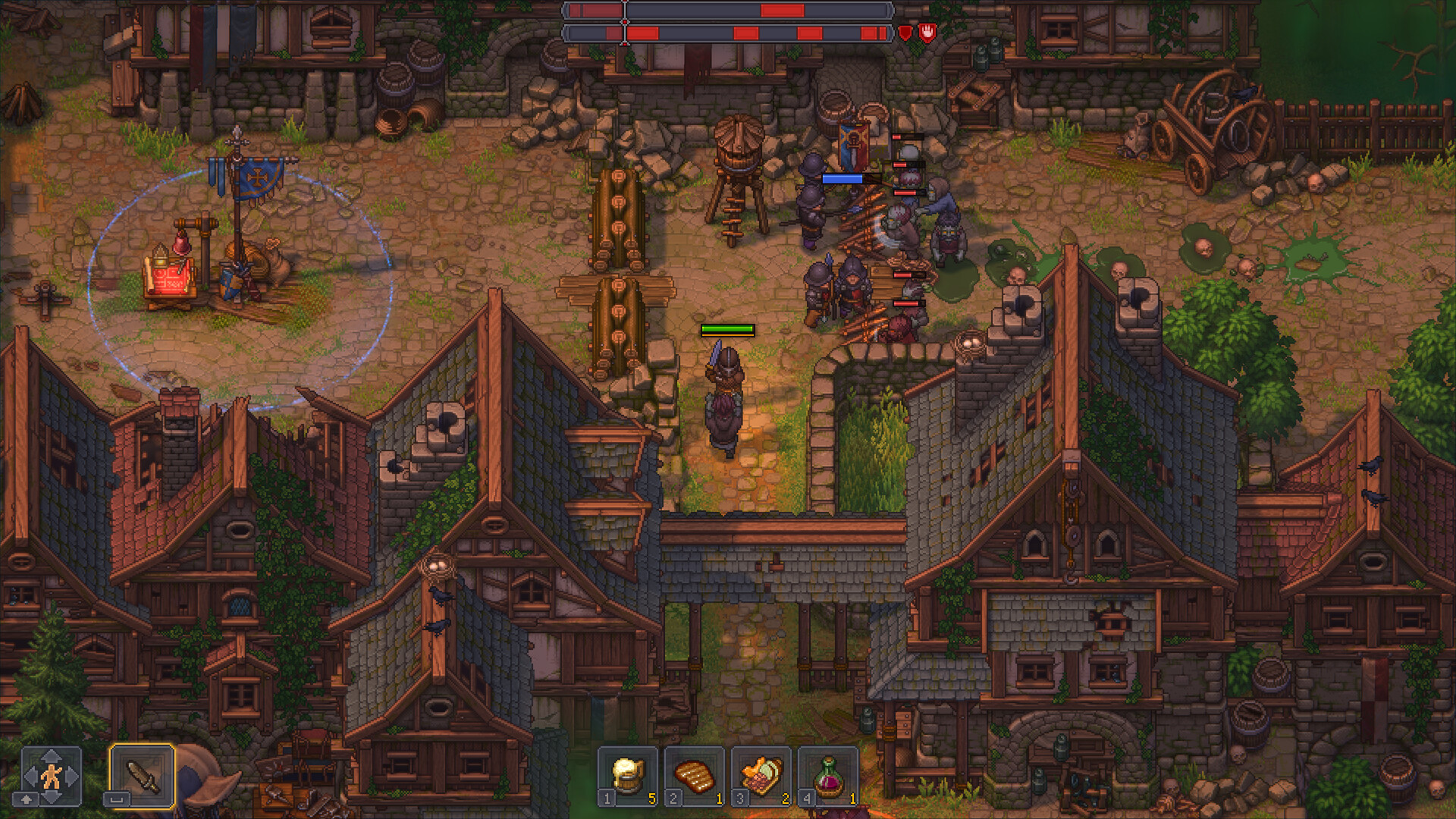
Actionable tweaks to restore silky-smooth 60 FPS gameplay throughout late-game automation.
To permanently resolve save freezes, begin by adjusting your Steam client settings. Right-click 'Graveyard Keeper 2' in Steam, select Properties, and uncheck 'Keep game saves in the Steam Cloud for Graveyard Keeper 2'. You can still safely back up your saves manually by copying the contents of %USERPROFILE%\AppData\LocalLow\Lazy Bear Games\Graveyard Keeper 2\ to an external drive or cloud folder periodically.
Within the in-game display settings, avoid Borderless Window mode if running multi-monitor setups. Set Display Mode to 'Exclusive Fullscreen', turn V-Sync 'On', and cap the frame limit to your monitor's native refresh rate (typically 60Hz or 120Hz). On Steam Deck, set the performance overlay to 60 FPS with a 60Hz refresh rate and lock the manual TDP to 7W-9W for maximum battery endurance and consistent frame times.
| Setting Option | Default Value | Recommended Setting | Performance Impact |
|---|---|---|---|
| Display Mode | Borderless Window | Exclusive Fullscreen | +15% Frame Pacing Stability |
| V-Sync | Off | On | Eliminates screen tearing during camera panning |
| Target Framerate | Unlimited | 60 FPS (or 120 FPS capped) | Reduces GPU thermal throttling & spikes |
| Steam Cloud Sync | Enabled | Disabled (Manual Backup) | Eliminates 3-5s dawn save freeze |
| Zombie Zone Cap | No soft limit | 6 zombies per district | Maintains 60 FPS physics tick rate |
Applying these exact settings eliminates micro-stutters and ensures rapid 100ms autosave transactions when sleeping in the Keeper's bed.
Before modifying game files or clearing zombie assignments, copy your save folder to a safe location. Corrupted saves from sudden system crashes cannot be recovered without a local backup.
Step-by-Step Strategic Walkthrough
- Verify your game client is updated to Official Update 1.011 or later via Steam Library Properties > Updates.
- Navigate to %USERPROFILE%\AppData\LocalLow\Lazy Bear Games\Graveyard Keeper 2\ and create a manual backup of your .dat save files.
- Temporarily disable Steam Cloud in Steam settings to stop synchronous network disk write locks during sleep autosaves.
- Audit workyard conveyor belts to prevent items from endlessly looping in circular hoppers, which causes CPU physics tick stutter.
- Consolidate zombie logistics chains to prevent uncollected item piles from choking the physics update tick rate.
- Switch display mode from Borderless Window to Exclusive Fullscreen and lock frame pacing to 60 FPS in graphics options.
Frequently Asked Questions
How do you fix micro-stuttering and lag in Graveyard Keeper 2?
To eliminate micro-stuttering and stuttering in Graveyard Keeper 2: 1) Update to Official Update 1.011 to fix long playtime crashes, memory leaks, and exit hangs; 2) Turn off Steam Cloud sync in Steam Properties to prevent autosave freezes; 3) Check workyard conveyor belts to ensure items don't loop indefinitely between hoppers; 4) Cap total wandering zombies to 20-24 units across your estate; 5) Run the game in Exclusive Fullscreen mode with V-Sync locked to 60 FPS.
Why does Graveyard Keeper 2 stutter when walking between zones?
Zone transitions trigger streaming garbage collection of physics objects and zombie AI states. If hoppers or conveyors have backed-up items circling endlessly or dropped timber accumulates in the forest, the CPU physics thread hitches. Consolidating warehouse storage immediately smooths out zone traversal.
Why does Graveyard Keeper 2 freeze when I sleep?
Sleeping triggers both local save serialization and Steam Cloud network sync. Disabling Steam Cloud in Steam Game Properties resolves the freeze.
Where are Graveyard Keeper 2 save files located?
Saves are stored locally at %USERPROFILE%\AppData\LocalLow\Lazy Bear Games\Graveyard Keeper 2\ on Windows.
How do I fix low FPS in late game Graveyard Keeper 2?
Update to Update 1.011, cap zombies to under 24 units, pick up loose ground items into chests, break circular conveyor loops, and restart the game client after 3-4 hours to clear memory leaks.
Does Graveyard Keeper 2 work smoothly on Steam Deck?
Yes, Graveyard Keeper 2 holds a solid 60 FPS at 7W-9W TDP on Steam Deck when running under Proton Experimental with Exclusive Fullscreen mode.
What performance and stability fixes arrived in Update 1.011?
Official Update 1.011 fixed a crash that occurred with long playtimes, resolved extremely slow ladder climbing animations, added native support for widescreen (ultrawide) resolutions, and integrated BepInEx mod management directly into the game menu.